
FraudGuardShopify fraud prevention app
Stop risky orders before they ship
FraudGuard checks new orders against your fraud rules as they come in. Orders that reach your risk threshold are cancelled, refunded and restocked, and your team can get an email about each one.
Free to install and use
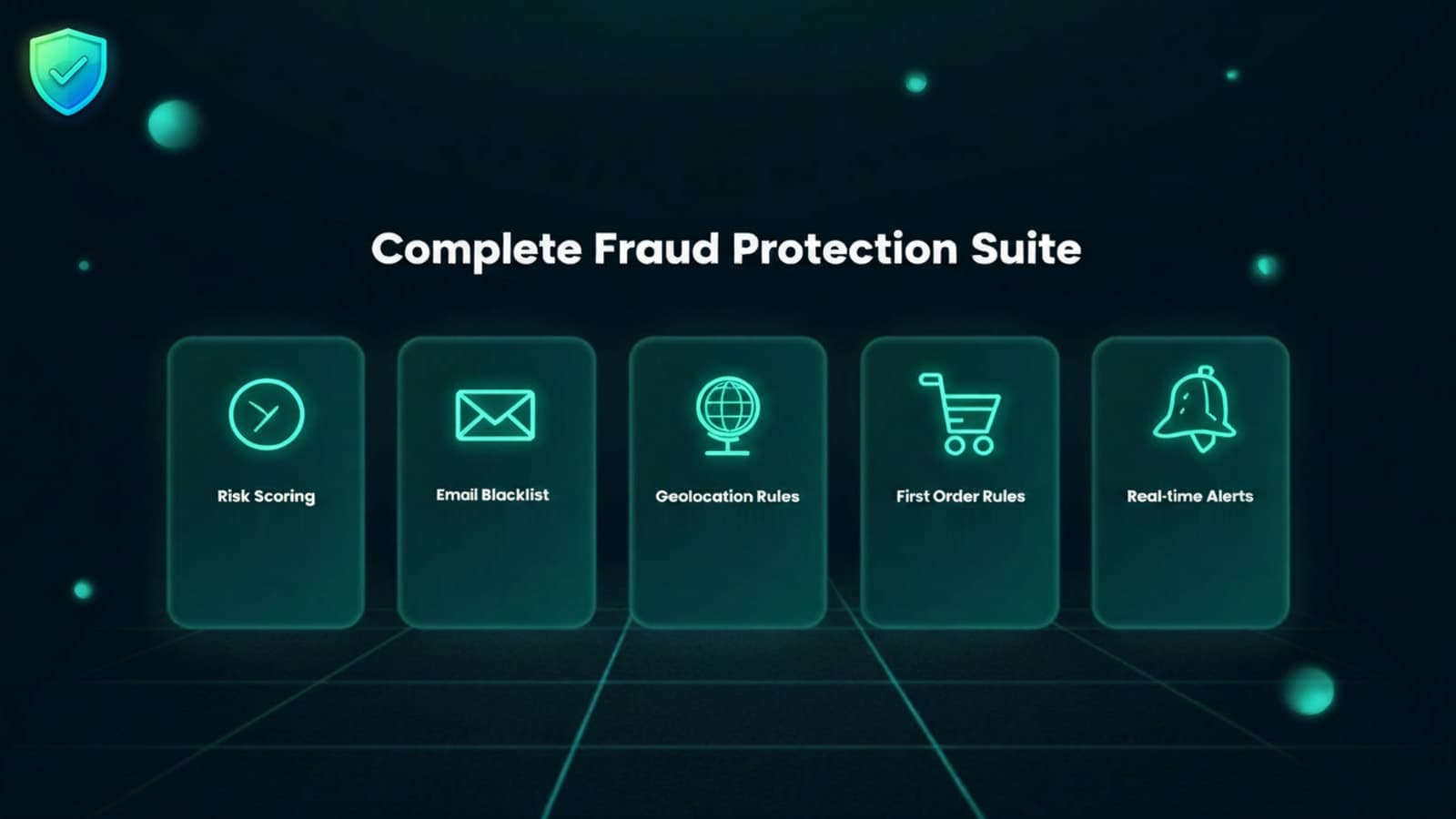
Rules that catch risky orders
Score every incoming order against your rules, then cancel or flag it before it ships.
Risk scoring
Each new order gets a risk score from your rules. Orders that reach your threshold are cancelled, and lower-risk matches are flagged.
Email blacklist and domain filter
Block email addresses you don’t trust, and add risk to orders from suspicious domains, such as disposable email providers.
Country rules
Block countries where you see fraud. With the default settings, an order shipping to a blocked country is cancelled.
Automatic cancellation
Orders that reach your threshold are cancelled in Shopify as soon as they come in.
Customer and team emails
The customer hears when their order is cancelled, and your team can hear about every cancelled or flagged order.
Flagged and cancelled orders
See the orders FraudGuard flagged or cancelled, with the customer, country and reason.
From install to protected orders
Step 1: Install FraudGuard
Add the app to your store from the Shopify App Store.
Step 2: Save your risk settings
Choose the score at which orders are cancelled. FraudGuard starts checking orders once these are saved.
Step 3: Add your rules
Block email addresses and countries, and list the email domains you don’t trust.
Step 4: Choose who gets alerts
Add the email addresses that should hear about cancelled and flagged orders.
Fraud protection at no cost
FraudGuard is free on the Shopify App Store.
Free
- Risk scoring for new orders
- Automatic cancellation, refund and restock
- Email blacklist and domain filter
- Country rules
- Customer and team email notifications
Frequently asked questions
How does FraudGuard decide an order is risky?
It scores each new order against your rules: blocked email addresses and countries, email domains you list, billing and shipping countries that don’t match, and unusually large orders. Orders that reach your threshold are cancelled.
What happens when FraudGuard cancels an order?
It cancels the order in Shopify, refunds the original payment method, restocks the items and adds a staff note explaining why. The customer gets an email saying the order was cancelled.
Does FraudGuard block orders at checkout?
No. It checks orders right after they’re placed, as soon as Shopify sends them, and cancels the ones that reach your threshold.
Do I need to set anything up?
Yes. FraudGuard starts checking orders once you save your risk settings. Then add the emails and countries you want to block, the domains you don’t trust, and who gets alerts.
Will my team be told about risky orders?
Yes, if you turn on email notifications. FraudGuard emails the addresses in your notification settings whenever it cancels or flags an order.
Is FraudGuard free?
Yes. FraudGuard is free to install and use.
What happens to my data if I uninstall?
FraudGuard stops checking orders when you uninstall. Our privacy policy explains what we keep and how to have it deleted.
Protect your store from risky orders
Install FraudGuard from the Shopify App Store and start checking new orders today.